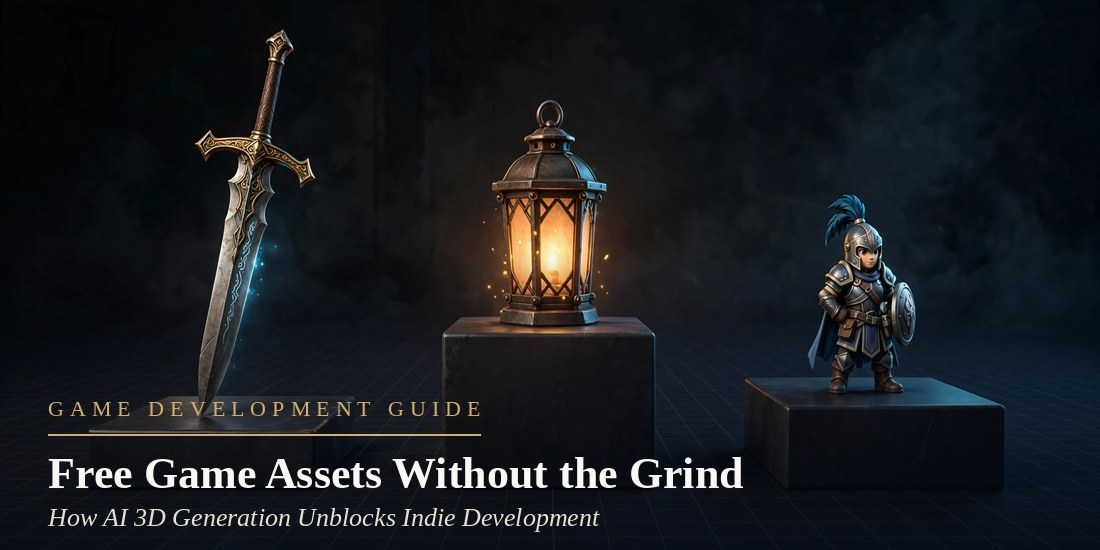
Indie developers are often solo or very small teams and are ultimately responsible for art and design as well as audio and development. Because of this, they frequently hit an “asset bottleneck”, which in game development refers to the time it takes to create the game’s assets, such as models. AI 3D generation tools exist specifically to address this deadlock.
Players judge a game world by its density, and density means hundreds of models. Hiring artists for all of them is beyond most small team’s budgets. Buying asset packs is an option, but then everyone has the same models in their game. One of the few boons of AI 3D generation is that it breaks this specific deadlock.
The Asset Bottleneck Nobody Budgets For
A game dev team needs thousands of models to ship a game, and depending on the engine, each model can take between four to six steps (modeling, texturing, rigging, import). Each step takes time, money, and resources. When Indie dev teams have to make hundreds of models for a game, they end up cutting features or shipping empty worlds.
What Meshy Actually Does
Meshy is one of the leading AI 3D model generators. It turns a text prompt or a reference image into a finished 3D model in 20 to 30 seconds, with textures and rigging handled in the same browser workflow, nothing to install. Text to 3D builds from a description, while Image to 3D starts from concept art or a photo and accepts multiple images for better accuracy. AI texturing adds a full PBR set, and auto-rigging prepares humanoid and quadruped characters for animation.
From a Sentence to a Model in Four Steps
- Outline or Upload. Write a prompt, or include one or more examples of what you want generated.
- Generate. The model builds in less than a minute. Regenerate or refine the prompt to get the desired result.
- Texture and Rig. The AI can automatically texture models with PBR and rig characters for you.
- Export. The model is generated ready to be imported to your engine.
Of course, developers can also use the same pipeline via an API, generating assets from within their own tools, instead of from a browser tab for each prop.
Free Game Assets That Are Actually Usable
Free tiers often feel like demos with the good parts removed, but not here. Free users get 100 credits per month, resetting on the 1st, and a standard Text-to-3D or Image-to-3D generation costs about 10 credits. A standard generation gives you about 10 models every month at no cost. With some minor touch ups, they’re ready to go in your game.
Browsing free game assets made by other Meshy users gives you plenty of characters, weapons and environments to use in your game as ready to use FBX and OBJ, and GLB files including rig-ready humanoids. Free-tier assets carry a CC BY 4.0 license, so they work commercially as long as Meshy is credited; paid plans give you full ownership of all assets generated.
Making 100 Credits Last All Month
Plan before you generate. Check the community library first, since a downloaded prop costs no credits at all. Spend your credits on unique NPCs, signature weapons and the set dressing that defines your world.
Engine-Ready Is a Real Standard
When artists create 3D models for a game, they have to consider whether their models will work in game engines. A model that looks good in a viewer (i.e. Blender) may not be useful in a game engine.
A model is considered engine-ready when polygon counts are controlled, topology is clean, and the model is in a format that the engine can use directly. When exporting the model, you need to set a polycount target and decide if you want to use triangle or quad topology. The budget for polygon counts is typically 50,000 for heroes, 10,000 for NPCs, and 3,000 for props.
Where AI Assets Fit, and Where They Don’t
Unity, Unreal Engine, Godot, Roblox Studio, and Blender support many 3D format files. Importing 3D files can be done using plugins and exporting can be done using the above mentioned format files. The 3D file format converter on the browser can be used to convert 3D files to various formats and can also repair STL files.
There are limits to AI art. An artist still has to spend time creating a hero character for a game if the character has to carry the story. The AI art can still drift and have inconsistencies in different styles.
Frequently Asked Questions
How many free models can I generate each month?
Free users get 100 credits per month, and a standard generation costs about 10 credits, so roughly ten fully textured models monthly at no cost.
Which file formats work with my engine?
Meshy exports FBX, OBJ, GLB, BLEND, USDZ, STL, and 3MF. Unity, Unreal, Godot, Roblox Studio, and Blender accept these natively, and one-click plugins streamline import.
Can I use free-tier assets in a commercial game?
Yes, as long as Meshy is credited, which is not the case with paid plans.
Do generated characters come ready to animate?
Humanoid and quadruped characters come with built in auto rigging. Free users get around 20 animations, and paid users get around 600.
What polygon counts should I target?
Target 50,000 triangles for hero characters, 10,000 for NPCs, and 3,000 for props.
Conclusion
Making the crates, lanterns, and notice board for the tavern shouldn’t take more than an afternoon. Rigging the barkeep shouldn’t take any longer. A solo developer can spend the time saved doing what only a human can do. AI 3D generation can help a small team generate the thousands of assets needed to make a large and detailed game world. It doesn’t remove artists from game development. Start with the free tier, generate ten models this month, and see how many gaps in your level disappear.

This content is brought to you by the FingerLakes1.com Team. Support our mission by visiting www.patreon.com/fl1 or learn how you send us your local content here.