

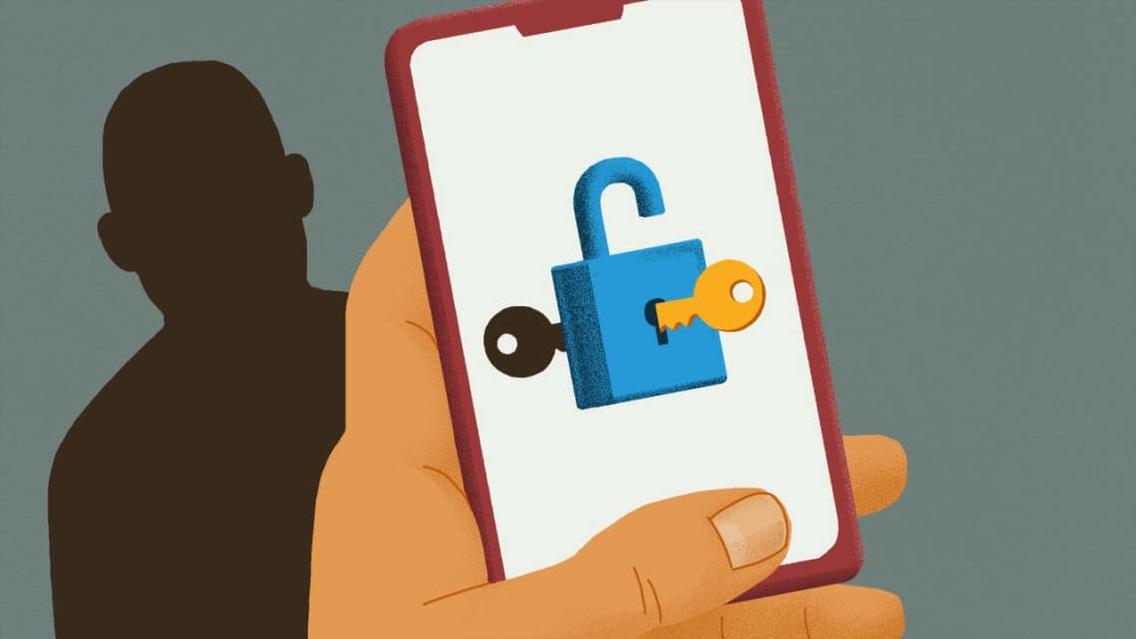
A password is something you enter to access an account. A passkey lets you sign in without typing an account password, using a device PIN, fingerprint or face recognition to authorize access.
That distinction is at the center of a Nov. 12 consumer alert from the New York Department of State’s Division of Consumer Protection. The agency is explaining how passwords, passkeys, password managers and multifactor authentication work as residents navigate different ways to protect their digital information.

Passwords and password managers serve different purposes
A password verifies a user’s identity before granting access to an account or another secured resource. The division recommends making each password long, random and unique, rather than reusing the same login across accounts.
The state’s alert recommends at least 12 characters and avoiding personal information, common words and predictable patterns. Another option is a passphrase that combines unrelated words with separators. Passwords exposed in a breach should be changed and retired.
Even a complex password can be exposed through phishing or a data breach, the division cautioned. A weak password also can be vulnerable to guessing.
A password manager helps users handle those credentials. The division describes it as a locked digital vault that can generate, store and automatically fill in different passwords for different accounts. Instead of memorizing every account password, a user unlocks the manager with a strong master password or a supported biometric method.
Multifactor authentication adds another verification step
Multifactor authentication, often shortened to MFA, requires two or more forms of verification. A typical account setup combines a password with another step, such as a confirmation code or an authenticator app.
That additional check provides another layer of protection against unauthorized access, the division said. The state Office of Information Technology Services offers information about enabling MFA.
Acting state Chief Information Officer Jenson Jacob said protecting digital accounts requires understanding the available authentication tools and how they work together.
How a passkey changes the sign-in process
A passkey replaces the traditional account password with a pair of digital keys. The website or app holds a public key, while the corresponding private key is used to authenticate the sign-in. A device PIN, fingerprint or face recognition authorizes that process.
The division described resistance to phishing as an advantage of passkeys. It also said that public keys exposed in a server breach would not, by themselves, allow someone to sign in without the corresponding private keys.
Availability remains a consideration. The alert cautioned that passkey systems may not work with every device, operating system, platform or application. Users need to check what their particular accounts and devices support.
The alert encourages residents to understand these distinctions while remaining alert to evolving scam tactics. Additional digital-safety resources are available through the state Office of Information Technology Services.
The Division of Consumer Protection provides educational resources and voluntary mediation between consumers and businesses. Its Consumer Assistance Helpline, 800-697-1220, operates from 8:30 a.m. to 4:30 p.m. Monday through Friday, excluding state holidays. Consumers can file complaints through the division’s website.

FingerLakes1.com is the region’s leading all-digital news publication. The company was founded in 1998 and has been keeping residents informed for more than two decades. Have a lead? Send it to news@fingerlakes1.com.