

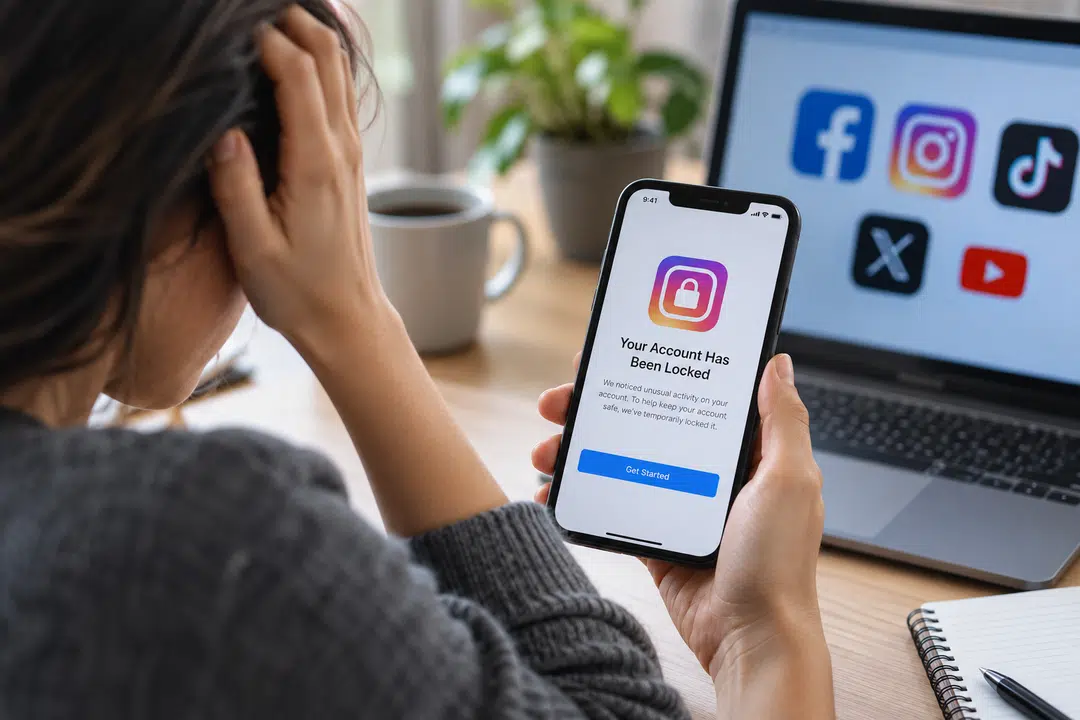
It can be a stressful situation when a social media account is locked, especially if it is used for work, a business, a personal brand, or years of online activity.
You might be enjoying everything one day and the next, you’ll see a warning that your account has been restricted or suspended, or that it’s temporarily locked. It may be impossible to determine the cause of the problem sometimes.
Users of Facebook may end up losing access to their accounts for strange logins, security problems, account limitations or even hackers attempting to log in.
When this is the case, it’s advisable to know Facebook account recovery options and determine what you should do rather than trying different log-in attempts repeatedly. It is important to know what is causing the loss of access and then to follow up the proper recovery process for the problem.
Why Do Social Media Accounts Get Locked?
Social media systems use automated safety systems that monitor for suspicious activity and possible violations of rules. They are intended to protect user accounts but can sometimes block an account even if the owner has taken no deliberate action.
Some common reasons an account may get locked or limited include:
- Logging in from an unknown device or location, which might trigger a security check.
- An unusual shift in regular account activity that may seem suspicious.
- An account engaging in a large amount of activity or following too many users within a short period.
- Repeated failed login attempts.
- Content reported on the profile or potential policy breaches.
- Suspicious third-party applications or automated tools associated with the profile.
The repeated login attempts may be made by an account holder who has forgotten their password, or by someone else attempting to access the account.
Hacking Can Change Your Account Before You Notice
Not all locked accounts are the account holder’s fault. An attacker may break into an account and then alter sensitive account information. They can alter the profile’s password, email address or phone number. Some attackers also send messages, publish unwanted content and change profile information.
The risk of social media scams has also increased significantly. U.S. Federal Trade Commission (FTC) states that around 30% of people who have been a part of a social media scam during 2025 reported a loss of reaching $2.1 billion. These figures clearly illustrate that unusual, unexpected login attempts, account activity, and security alerts should be taken seriously.
When the true owner realizes that there is a problem, he has likely forgotten the name and/or password. Hence it’s not advisable to dismiss any unexpected alerts for password reset/Log-in. If a login message is displayed that you do not recognise, please check your login as soon as possible. Taking proactive steps can help prevent the account’s information from being changed.
How to Respond to Loss of Access?
The first and foremost is to remain calm and to figure out what went wrong. Find out whether you are entering wrong password or whether there is any warning that you are receiving on the platform. Look through your social media login email account.
Platforms use security emails for a number of reasons when a new login, password change or other important activity occurs on your account. If you still have the email address and/or phone number of the account, follow the official password reset link or request verification.
Recovering Access to an Instagram Account
Firstly, it is important to keep cool and determine what actually has happened. Check whether you have entered the wrong password or if there is a warning message displayed on the website. Look through the email account linked to the social media.
Often, platforms will send you email alerts regarding security when there has been a new login, account password change or any other significant activity on your account. If the email address/phone is still associated with the account, follow the official procedures for Instagram account recovery to reset or verify the account.
Be Careful With Connected Apps and Services
While third-party applications can help with managing social media, they also have the potential to pose a security threat. Many users link scheduling apps, analytics services, editing applications, games and various other platforms to their social media profiles. It’s easy to forget over time which services are still connected.
Regularly review and remove any applications you are no longer familiar with or using. Beware of services that require unnecessary account permissions. It is also important to refrain from logging into social media on unknown websites. A website may look like it has an official login screen, but it could be designed to collect your login details.
TikTok Accounts Need Protection Too
TikTok is a significant platform for creators, businesses, and brands. Losing access can thus also result in a loss of contact with an audience that may have taken years to establish. The steps you should take for TikTok account recovery will vary based on whether you’ve forgotten your login information, think your account has been hacked, or you’ve been restricted from your TikTok account.
- Always check the attached email address and phone number.
- Pay attention to any security alerts that might have been issued and could be relevant.
- After gaining access, check your security settings and password.
- Change the passwords for other sites if you used the same password elsewhere. If the password is leaked on one service, it can be used on other services as well.
How to Make Your Social Media Accounts More Secure
It’s important to recover an account, but it’s equally important to prevent another problem from occurring. Use different passwords to log in to each account. Do not use anything easy to guess like a name, birthday or company name as a password.
A password manager can be helpful to keep track of various passwords without having to remember them all. Use two-step verification, if available. This adds an additional layer of authentication when users try to log in.
Also, you’ll want to keep your recovery information up to date. If using an old phone number or email address, it may be a significant problem if you have to prove it is your account. For business or creators, be sure to store appropriate account information. This can be usernames, connected e-mail addresses and details about who has permission to access.
Protect Your Username and Digital Identity
A social media username can be a vital element of a user’s or company’s online identity. This is especially the case if a username is the same or similar on multiple platforms. Followers and customers might be misled by impersonation accounts.
They can also harm your reputation if someone impersonates you using a similar name. From time to time, search for your brand or username to determine if any unusual profiles have emerged.
Businesses should also indicate which profiles are legitimate and link to them via their website and other credible sources. The more valuable your social media account, the more attention you need to pay to its security.
Small Security Habits Can Prevent Bigger Problems
It is not always possible to avoid social media account issues. Even if a user is diligent, automated restrictions, hacking attempts and login problems can occur. But the risk can be minimized and recovery can be made easier with simple security practices.
Use unique passwords and add extra login security, keep your recovery information up to date, and regularly review connected applications.
Don’t ignore unexpected security emails. Most importantly, if something does go wrong, try to find out what happened first before trying to do anything about it.
By using the right recovery process and safeguarding your personal data, you can respond securely while reducing the risk of creating further security issues.

This content is brought to you by the FingerLakes1.com Team. Support our mission by visiting www.patreon.com/fl1 or learn how you send us your local content here.