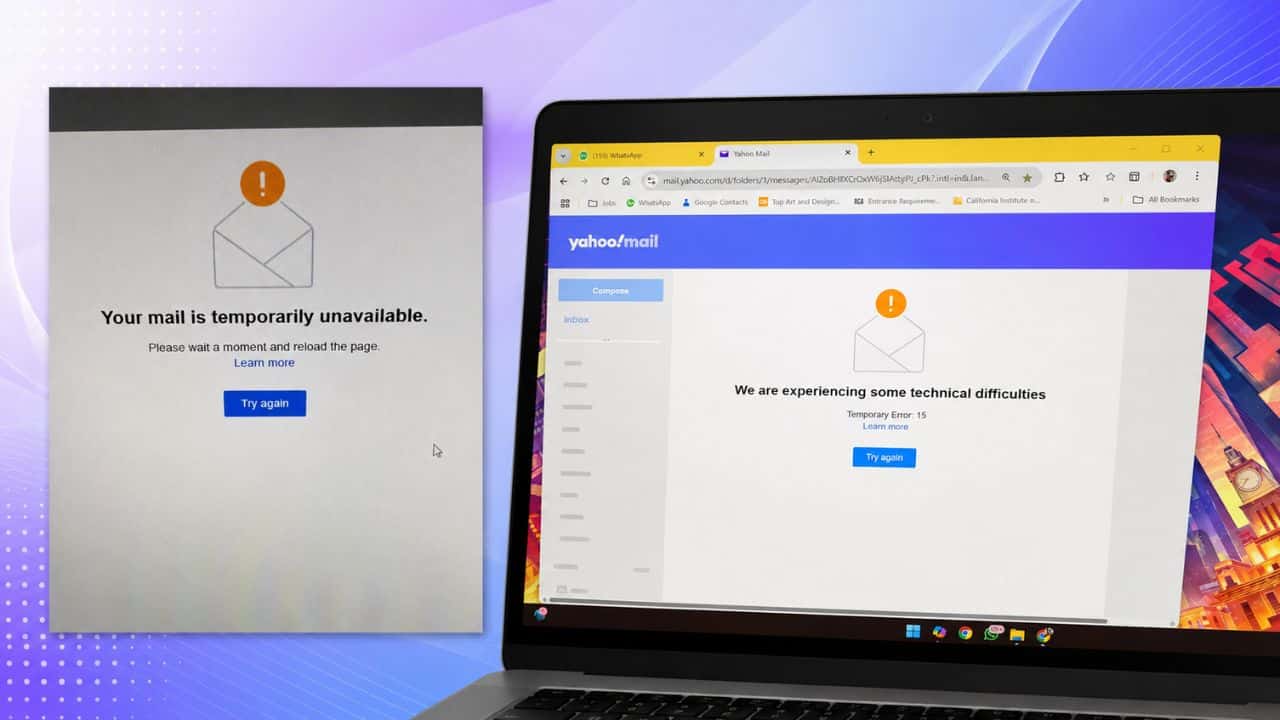
AOL Mail problems are on the rise as users report issues accessing their emails, with outage problems and a “Temporary Unavailable” error message. Some users say they can’t log in, view messages, receive mail or open their inbox. Current outage trackers show mixed results meaning the issue may not be affecting all AOL Mail users at the same time. Some monitoring sites have recent user reports, while others say they can reach AOL Mail from their systems. Sometimes there are regional issues, account errors, browser problems, app bugs, or temporary server trouble with an email service, resulting in mixed status.
What AOL Mail Users Are Saying
AOL Mail users are facing a number of issues today including login problems, inbox not loading, emails not being received or viewed and messages not being delivered. Some users are also seeing a message that says “Temporary Unavailable” when opening AOL Mail. You might get this error if AOL’s service is having problems, the browser session is broken, or account access is temporarily unavailable. The problem may not be a complete worldwide outage as some status pages still show AOL Mail as reachable. It may be affecting certain regions, accounts, browsers or devices.

AOL Mail is Down?
The status of AOL Mail is not entirely clear, with outage trackers reporting mixed signals. AOL Mail users are filing fresh complaints on some user-report sites, but other monitoring services say the mail site is reachable from their checks. That could mean that AOL Mail is working for some people and not for others. The problem may be regional, device-related, account-related, or a temporary mail server issue. If you see a lot of users all getting the same error at the same time, it’s probably best to wait. Local troubleshooting might get you back online quicker if only one account or device is affected.
How to Fix AOL Mail Temporarily Unavailable Error
AOL’s official help guidance suggests several simple fixes for temporary mail errors. Restart your web browser. Clear your browser cache. Verify you are using a supported browser and operating system. Sign out of all devices and sign in again. If the browser version continues to fail, try the AOL Mail app or a native mail app on your phone or tablet. If the app is not working, users can try the web version. Disabling VPNs, private browsing extensions, or security software that interfere with login sessions temporarily can also work. If the problem is on the server side, users may need to wait.