Old photo enhancement works best when you decide what the photograph should preserve before you decide what to improve. A faded print may need a clearer face, but an invented smile or changed uniform can make it less faithful to the original. Better visibility and historical accuracy are separate goals that deserve separate review.
The following example situations show how families, local archives, and exhibition organizers can use a careful editing process. They are practical scenarios rather than documented customer results. Each starts with a preserved original and ends with a version prepared for a defined use, so the amount of editing stays tied to a real need.
Scenario 1: A family prepares a memorial slideshow
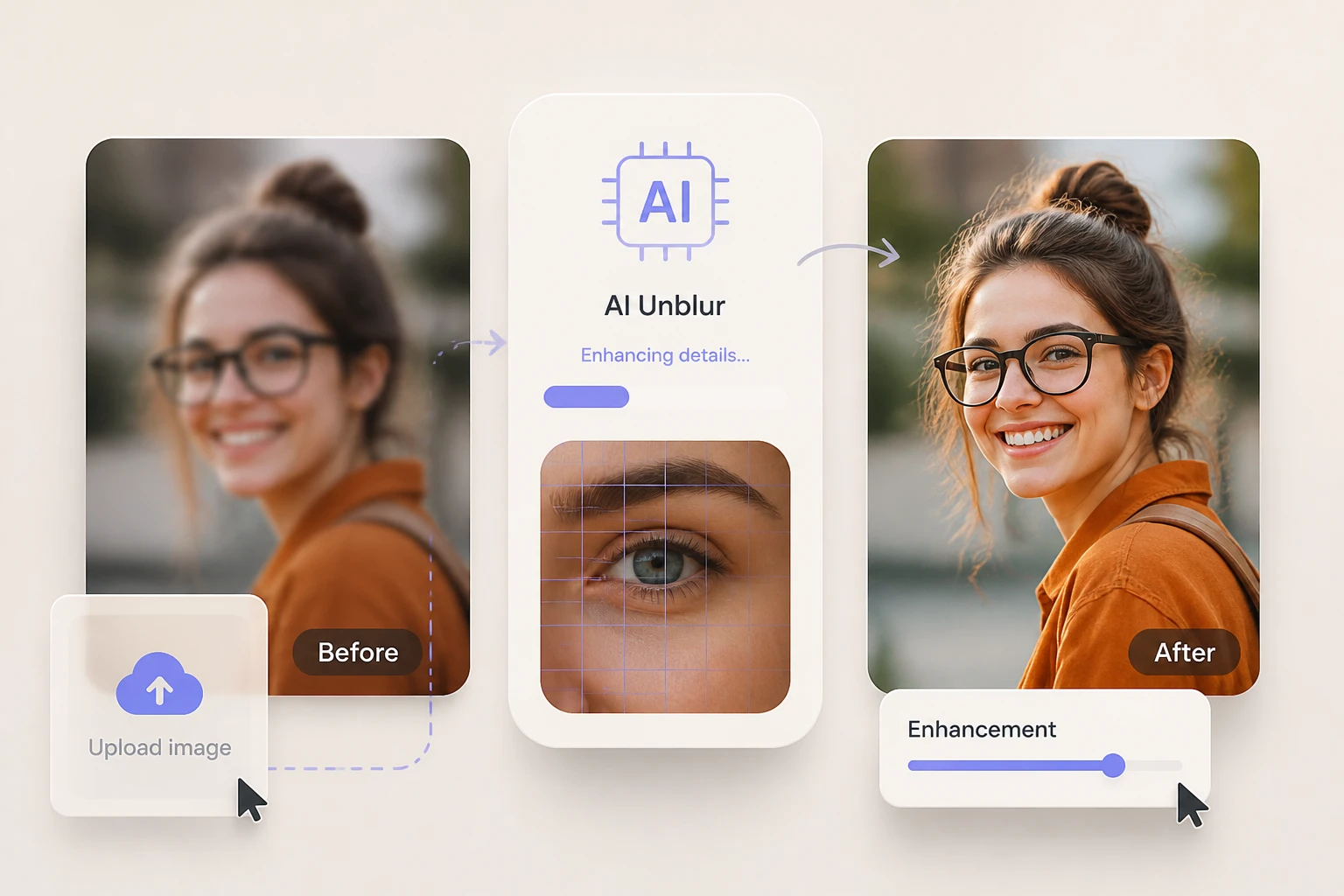
A daughter is collecting photographs for a family memorial and finds a dim portrait of her father. She can evaluate a Free AI Photo Enhancer Online route for an editing copy, after checking the current supported inputs and conditions. The goal is to make the face easier to see at slideshow size while retaining the features the family recognizes.
Start with the best scan available. If the only source is a phone photograph of a print, retake it in even light without flash glare before applying enhancement. A clearer source can avoid later corrections. Save the capture unchanged and use a separate copy for every edit.
Ask another family member to compare the result with the original. Look at the eyes, mouth, hairline, and any distinctive marks. An enhancement can look convincing while making the person subtly unfamiliar. If that happens, choose a gentler result or keep the original rather than accepting a more polished face.
For the slideshow, a slightly soft but recognizable portrait may be the right choice. Test it in the actual frame with the caption present. A result that looks imperfect when enlarged can still work well at the intended viewing size, with much less risk of invented detail.
Scenario 2: A neighborhood archive prepares an online gallery
A volunteer archivist has a group photograph of shopkeepers outside a historic building. An AI Photo Editor is a route to assess for specific presentation changes that the page currently supports. The archivist should decide in advance which edits are allowed and which could alter the historical record.
A small crop or a tonal adjustment may help viewers inspect the picture. Replacing signs, rebuilding faces, or removing an unknown person would raise a different question. Those changes can create information the photograph never recorded clearly. An appealing reconstruction should not silently become the archive’s reference image.
Keep the original scan beside any display version in the archive’s records. Record the editing date and describe the changes in plain language. If an uncertain detail has been reconstructed, label it as such rather than presenting it as recovered fact. Uncertainty belongs in the record, not hidden in a smooth-looking result.
The improvement here is access. Viewers may be able to see the building and group more comfortably, while researchers retain a route back to the original. That balance matters more than making every photograph appear newly taken.
Scenario 3: An exhibition team prepares a large portrait print
A small museum wants to display a family-donated photograph at a larger size than its original print. The curator and designer need to agree on how much softness the exhibition can accept. Enlarging an image makes defects easier to see, but it doesn’t supply missing evidence about the person’s face or clothing.
Begin by checking the physical source and the available scan. If the team can obtain a better capture of the print, do that before extensive digital work. Ask the printer what file dimensions and preparation suit the planned display. The intended viewing distance can influence the acceptable result as much as the enlarged preview on a monitor.
Make a test section at the actual print scale. Include a face, a clothing edge, and part of the background. This small proof can reveal artificial skin texture, bright sharpening outlines, or repeated patterns that looked harmless on screen. Correct those issues before producing the full display.
If the source cannot support a large clean portrait, consider a different presentation. A smaller photograph with a generous border and a readable caption may preserve the original more honestly. Design can solve a display problem without pretending that missing details have been recovered.
A workflow that works across all three
Preserve the source first. Save the original scan or capture in a clearly named folder and avoid overwriting it. Include whatever identification is known, such as the people, approximate date, and source of the print. Mark uncertain details as uncertain instead of turning a guess into a filename that later looks authoritative.
Create a working copy and define the output. A slideshow, a gallery page, and a large print need different checks. Write the planned use next to the file so a future editor understands why the version exists. This helps prevent an aggressively edited display copy from replacing the archival source.
| Use | Main review question | Useful final check |
|---|---|---|
| Family slideshow | Does the person still look familiar? | View with the actual slide layout |
| Online archive | Are historical details preserved? | Compare with the untouched scan |
| Exhibition print | Does the enlargement remain credible? | Inspect a print proof at final scale |
Apply one category of correction at a time. Correct the crop, then assess tone, then consider any enhancement. Save meaningful versions rather than exporting after every tiny movement. A short record such as “lighter shadows, same crop” is enough to explain a useful step.
Review with someone who knows the context when possible. A relative may recognize a changed expression that a designer would miss. An archivist may spot a uniform detail that should not be reconstructed. Visual review becomes stronger when it includes knowledge of the subject.
Different kinds of damage need different expectations
Fading, scratches, blur, and missing portions are different problems. A faded image may still contain visible detail that becomes easier to inspect after tonal adjustment. A torn area may contain no recoverable information at all. A generated replacement can fill the gap visually, but it remains a reconstruction.
Treat faces with particular care. Small changes to the eyes or mouth can affect identity and expression. Compare the result at a useful size rather than judging it only as a sharp thumbnail. If a face becomes unfamiliar, lower the amount of enhancement where the tool allows it or return to a less altered version.
Colorization also changes the status of an image. Without evidence, a plausible jacket color is still a guess. Keep a colorized interpretation separate from the monochrome source, and make that distinction clear in an archival or educational setting. The result can be valuable without being described as historically verified.
A damaged background may be less important than the subject, but it still needs thought. Removing a scratch through an empty wall differs from replacing a shop sign. Decide which details carry meaning before you treat every damaged area as an invitation to regenerate it.
Preserve the photograph’s character
Texture is part of many old photographs. Removing all grain can flatten clothing, hair, and the surface of the print. The goal is usually to reduce distractions enough that the picture reads comfortably, not to make every source resemble a modern studio portrait.
Look for warning signs of excessive processing. Skin may appear waxy, fine edges may have bright outlines, or repeated textures may emerge in the background. These problems can become more visible after resizing or printing. Check the final output rather than assuming the editing preview tells the whole story.
Keep exact names and dates in editable captions. Don’t ask a visual reconstruction to recreate an unreadable date stamp as evidence. If the source doesn’t clearly show the date, use the information available from records or family knowledge and identify any uncertainty in the caption.
For family sharing, consider who should receive the files. A private portrait prepared for a memorial doesn’t automatically need to become a public gallery image. Agree on the intended audience with the people responsible for the collection before distributing the edited set.
Deliver versions that are easy to understand
Use file names that distinguish the original, the working edit, and the final use. A name such as “portrait-display-copy” is clearer than “final-final-better.” Keep the source and working project even when the display version is the only file being shared.
Add a brief note describing major changes. For a family slideshow, the note may stay with the project folder. For an archive, it may become part of the image record. Either way, a later editor should be able to tell if the picture was lightened, cropped, colorized, or reconstructed.
Before delivery, open every saved file and check its orientation and crop. View the slideshow, gallery layout, or print proof as a complete presentation. A carefully restored image can still be undermined by a cut-off head or an incorrect caption.
Wrapping up
Choose an enhancement level that serves the photograph’s intended use and preserves the information that matters. Keep an untouched source, compare identities and historical details carefully, and document any reconstruction. A faithful display copy gives viewers a clearer connection to the original without asking them to mistake invented detail for recovered history.
Make FL1 part of your day.
Local reporting. Useful updates. More ways to stay close to your community.
Go ad-free
Support independent local reporting and enjoy FL1 without display ads.
$4.99 / month
Become a member →Cancel anytime. Third-party media players may contain ads.Get the daily briefing
Start your morning with the headlines that matter across the Finger Lakes.
Find more FL1 on Google
Choose FingerLakes1.com as a preferred source to see more of our reporting in your Google news results.

This content is brought to you by the FingerLakes1.com Team. Support our mission by visiting www.patreon.com/fl1 or learn how you send us your local content here.