

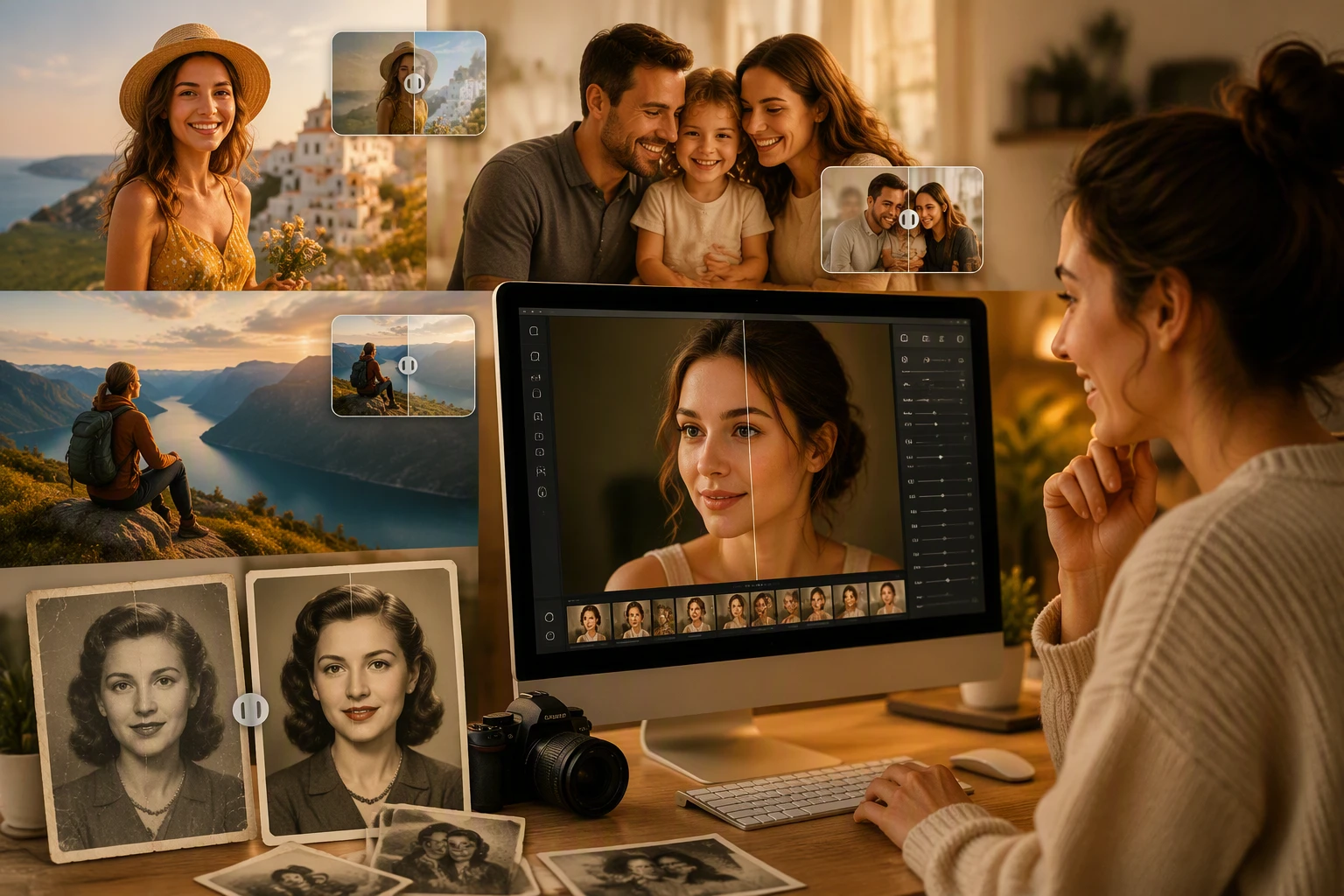
You want your photos to look professional without spending all day in front of a screen. Traditional editing tools are often too hard to learn. They have hundreds of buttons and menus that make no sense to a beginner. AI image editors change this by using smart algorithms to understand what you want to do. You can remove people from the background or change the sky with one click. These tools save you time and help you create better content for your blog or social media pages.
Finding the right software depends on your specific needs and your budget. Some tools focus on quick fixes while others help you generate entirely new pieces of art from scratch. You might need a tool that works in your web browser or something that integrates with your existing workflow. The EzMaker AI Image Editor is a great example of a tool that simplifies complex tasks for everyday users. It allows you to make significant changes to your images without needing a degree in graphic design.
The rise of artificial intelligence has made high quality editing accessible to everyone. You no longer need to pay a professional to touch up your headshots or fix product photos for your online store. These tools use machine learning to identify objects, textures, and lighting patterns. This means the software can fill in gaps or remove distractions in a way that looks natural. If you are looking for a versatile platform, the AI Image Editor offers a variety of features that cater to different creative styles and requirements.
Using these tools is usually as simple as uploading a file and clicking a button. The AI analyzes the pixels and applies the changes you request. This process used to take hours of manual brushing and masking. Now, you can get the same results in a few seconds. This speed allows you to experiment more with your creative projects. You can try different styles or layouts without worrying about the time it takes to revert or change your mind.
Top 1: EzMaker AI Image Editor
EzMaker AI Image Editor is a powerful tool designed for people who want fast results without a steep learning curve. It focuses on the most common editing tasks that people face every day. You can use it to remove unwanted objects from your photos or to enhance the overall quality of a blurry image. The interface is clean and stays out of your way so you can focus on your work. It is built to be fast and responsive even when you are working with large files.
Key Features
The tool offers a robust object removal feature that uses smart filling to replace the space left behind. It also includes an image upscaler that increases the resolution of your photos without making them look pixelated. You will find tools for color correction and lighting adjustments that work automatically. The software also provides a background remover that is very accurate even with complex edges like hair or tree branches.
Pros
The biggest advantage is the speed of the processing. You do not have to wait long for the AI to finish its task. The results look very natural and do not have the weird artifacts often found in cheaper tools. It is also very easy to use for beginners who have never edited a photo before. You can access it from any device with a web browser.
Cons
It may lack some of the advanced layering features found in heavy professional software. Users who want to do complex digital painting might find the toolset a bit limited. The free version might have limits on how many images you can process per day.
Best For
This tool is best for social media managers and small business owners who need to clean up photos quickly. It is also great for casual photographers who want to make their vacation photos look better before sharing them.
Top 2: AI Image Editor
AI Image Editor is a comprehensive platform that combines traditional editing tools with modern artificial intelligence. It provides a space where you can start with a basic photo and turn it into a piece of digital art. The platform is designed to be a one stop shop for all your creative needs. You can generate new elements to add to your photos or use the AI to restyle your images in the style of famous painters.
Key Features
This editor includes a text to image generator that lets you create new visuals just by typing a description. It also features a style transfer tool that can change the mood and color palette of your photo instantly. You can use the generative fill feature to add new objects into an existing scene. The platform also supports batch processing, which is helpful if you have many photos to edit at once.
Pros
The variety of tools available makes it very versatile for different types of projects. It bridges the gap between simple photo editing and complex AI art generation. The user interface is intuitive and guides you through the process of using the more advanced features. It also offers cloud storage so you can access your projects from anywhere.
Cons
Some of the more advanced features might require a subscription to unlock. The sheer number of options could be overwhelming for someone who only wants to do a simple crop. It requires a stable internet connection to function properly since the processing happens on the server.
Best For
This platform is best for content creators and digital artists who want to push the boundaries of their work. It is also a good choice for marketing teams who need to create unique visuals for campaigns.
Top 3: Adobe Firefly
Adobe Firefly is the AI engine that powers many of the new features in Photoshop and Illustrator. It is built on a massive library of high quality images which helps it produce very realistic results. You can use it to expand the borders of a photo or to change the clothes a person is wearing in a picture. It is designed to be safe for commercial use, which is a big deal for professional designers.
Key Features
The generative fill tool is the standout feature here. You can select an area of your photo and tell the AI what to put there. It also has a text effects tool that allows you to apply styles and textures to your fonts. The generative recolor feature lets you change the color schemes of vector artwork in seconds. It integrates directly with the rest of the Creative Cloud suite.
Pros
The integration with professional software makes it a natural choice for existing designers. The quality of the generated content is among the best in the industry. It handles lighting and shadows very well when adding new objects to a scene. You can trust that the images used to train the AI were legally sourced.
Cons
You usually need an Adobe subscription to get the most out of it. The software can be quite demanding on your computer hardware if you are not using the web version. It has a steeper learning curve than the simpler web based tools.
Best For
Professional graphic designers and photographers who already use Adobe products will find this tool essential. It is also great for corporate teams who need to ensure their assets are legally compliant.
Top 4: Canva Magic Studio
Canva Magic Studio brings AI power to one of the most popular design platforms in the world. It is built for people who are not professional designers but need to create professional looking graphics. The AI tools are woven into the existing Canva interface, making them very easy to find and use. You can use it to turn a simple text prompt into a full design or to animate your static images.
Key Features
Magic Grab allows you to select and move any object in a photo as if it were a separate layer. The Magic Expand tool can fill in the edges of a photo to fit a different aspect ratio. It also includes a tool that can translate the text in your designs into different languages automatically. The Magic Media feature generates images and short videos from text descriptions.
Pros
It is incredibly easy to use and requires no prior design knowledge. The platform includes thousands of templates that work perfectly with the AI tools. You can create designs for social media, presentations, and print all in one place. The collaboration features make it easy to work with a team.
Cons
The AI can sometimes be a bit less precise than the professional tools. You have less control over the fine details of the AI generation. Many of the best AI features are locked behind the Pro subscription plan.
Best For
Small business owners, teachers, and social media influencers will love this tool. It is perfect for anyone who needs to create a lot of visual content quickly and easily.
Top 5: Midjourney
Midjourney is a bit different from the other tools because it lives inside a chat application called Discord. It is primarily a generative AI tool that creates stunning images from text prompts. While it started as a way to make art, new features allow you to upload your own photos and modify them. It is known for producing the most artistic and visually striking images in the AI space.
Key Features
The tool uses a prompt based system where you describe what you want to see. It offers a vary region feature that lets you select a part of an image and change it with a new prompt. You can also use the blend feature to combine the styles of two different images. The latest versions have improved the way it handles human hands and text, which were old weaknesses.
Pros
The artistic quality of the images is unmatched by almost any other tool. It has a very active community where you can learn from the prompts that others use. You can generate images in a wide variety of styles, from hyper realistic photos to oil paintings. It is constantly being updated with new features and improvements.
Cons
The Discord interface can be confusing and cluttered for new users. There is no traditional button based editing interface, which makes precise changes difficult. You have to pay for a subscription to use it as there is no longer a free trial.
Best For
Concept artists, book cover designers, and people who want to create unique digital art will find this tool very powerful. It is also great for getting inspiration for new creative projects.
Comparison Summary
The following table provides a quick look at how these tools compare against each other.
| Tool Name | Primary Strength | Skill Level | Platform |
| EzMaker AI Image Editor | Fast Object Removal | Beginner | Web Browser |
| AI Image Editor | Creative Versatility | Intermediate | Web Browser |
| Adobe Firefly | Professional Quality | Advanced | Desktop and Web |
| Canva Magic Studio | Template Integration | Beginner | Web and Mobile |
| Midjourney | Artistic Generation | Intermediate | Discord |
Final Recommendation
If you are looking for the best overall experience, your choice will depend on your goals. For those who need to fix photos quickly and want a simple interface, EzMaker AI Image Editor is the top choice. It handles the most common tasks with great speed and accuracy. If you want a tool that helps you build complex designs for social media or marketing, Canva Magic Studio is the way to go.
For professional designers who need the highest level of control and quality, Adobe Firefly is the clear winner. It fits perfectly into a professional workflow and offers features that the other tools cannot match. If your goal is to create unique art from your imagination, Midjourney will give you the most impressive results. Regardless of which tool you choose, AI image editing will help you work faster and more creatively than ever before.

This content is brought to you by the FingerLakes1.com Team. Support our mission by visiting www.patreon.com/fl1 or learn how you send us your local content here.